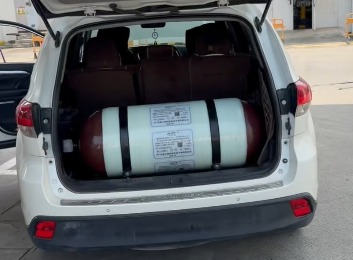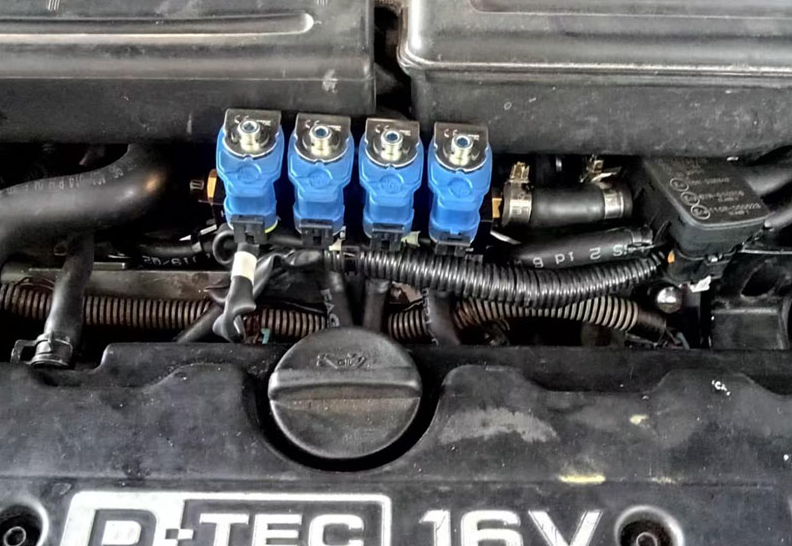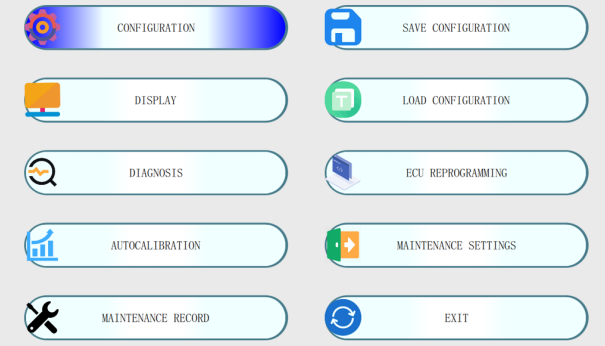

Proper calibration of sequential gas injection systems requires reliable interface software to balance fuel economy, engine torque, and tailpipe emissions. The YC48 CNG/LPG electronic control system leverages over two decades of automotive gas technology to streamline parameter mapping across 3-cylinder and 4-cylinder multi-point fuel injection powertrains.
Software & Driver Download Hub:
Get the official PC calibration utility, USB interface drivers, and technical manuals:
💾 Download MP48 / YC48 ECU Software Package
System Architecture & Included Components
Engineered to satisfy Euro 6 emission standards in both naturally aspirated and turbocharged engines, the YC48 control package is available in standard OBD and non-OBD variations.
Hardware Kit Package Contents:
YC48 Main Injection Control ECU
Engine Harness Cable Assembly (YC Series)
YCSW-01 Mode Change-Over Switch
YCGP-01 MAP and Gas Pressure Sensor
YCWT-01 Engine Coolant Temperature Sensor
Complete Schematics, User Manual & Quality Certificate
Key Functional Capabilities
Automotive-Grade Hardware: Assembled with industrial-grade electronic components for thermal resilience under the hood.
AI Auto-Calibration: Software-driven automated tuning algorithm maps gas pulse widths based on live RPM, MAP, water temperature, and pressure data.
Injector Preheating: Built-in self-heating function prevents injector rail freeze-ups during cold starts.
Fail-Safe Fuel Switching: Automatic reversion to petrol mode under low gas tank pressure or extreme low temperature conditions.
Thermal Protection: Integrated rich air-fuel ratio protection to reduce thermal stress on the Three-Way Catalyst (TWC) and exhaust valves.
Diagnostics & Anti-Theft: Comprehensive OBD II DTC reading, gasoline ECU signal emulation, maintenance interval scheduling, and anti-theft gas lock settings.
For more hardware variations and custom OEM solutions, browse our CNG/LPG Controller Product Directory.
Frequently Asked Questions (FAQ)
Which operating systems are compatible with the MP48 / YC48 ECU software?
The MP48 / YC48 calibration software is designed to run natively on Windows 7, 8, 10, and 11 (both 32-bit and 64-bit editions).
How do I activate the auto-calibration feature in the software?
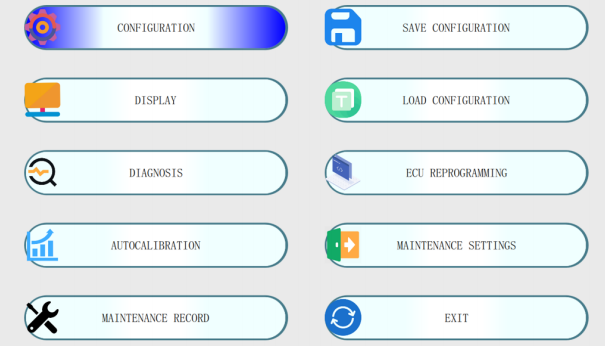
After connecting the interface cable and turning the ignition on, ensure the engine has reached operating coolant temperature (usually above 60°C). Select the "Auto-Calibration" tab in the software menu, keep the engine idling with air conditioning turned off, and allow the algorithm to measure baseline gasoline pulse widths before generating the gas injection map automatically.
What should I do if the software reports a "No Communication" error during tuning?
First, verify that the USB driver (FTDI) is correctly installed in your Device Manager. Next, check that the COM port number selected in the software match the assigned port, and ensure the 12V power supply to the ECU (via the ignition key wire) is active.