
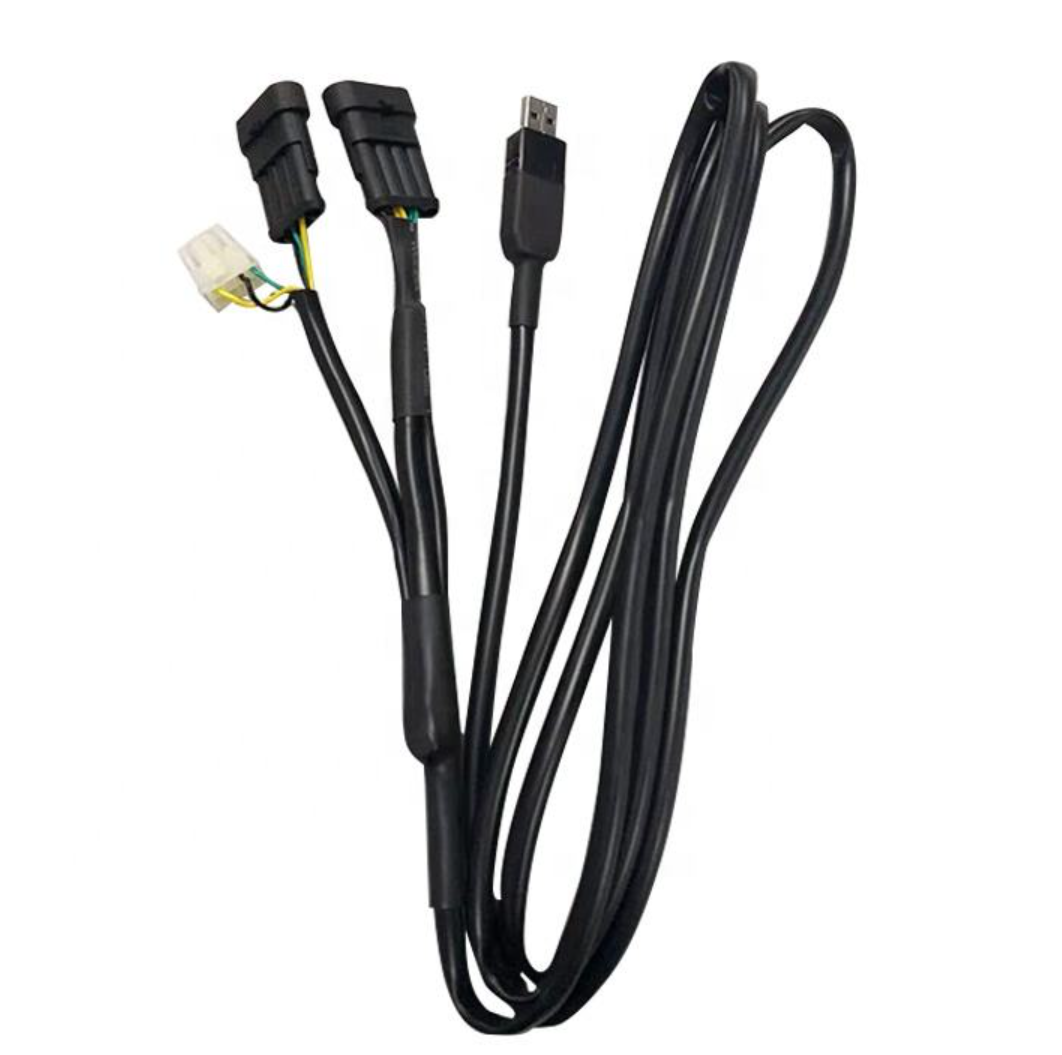
This cable connects a compatible gas ECU to a computer. It provides the communication link used by supported calibration software. Available functions depend on the ECU, software and interface version.
Compatibility is determined by the controller and electrical interface. Engine displacement and cylinder count do not establish cable compatibility. Confirm the ECU model, connector, pin assignment and supported software before ordering.
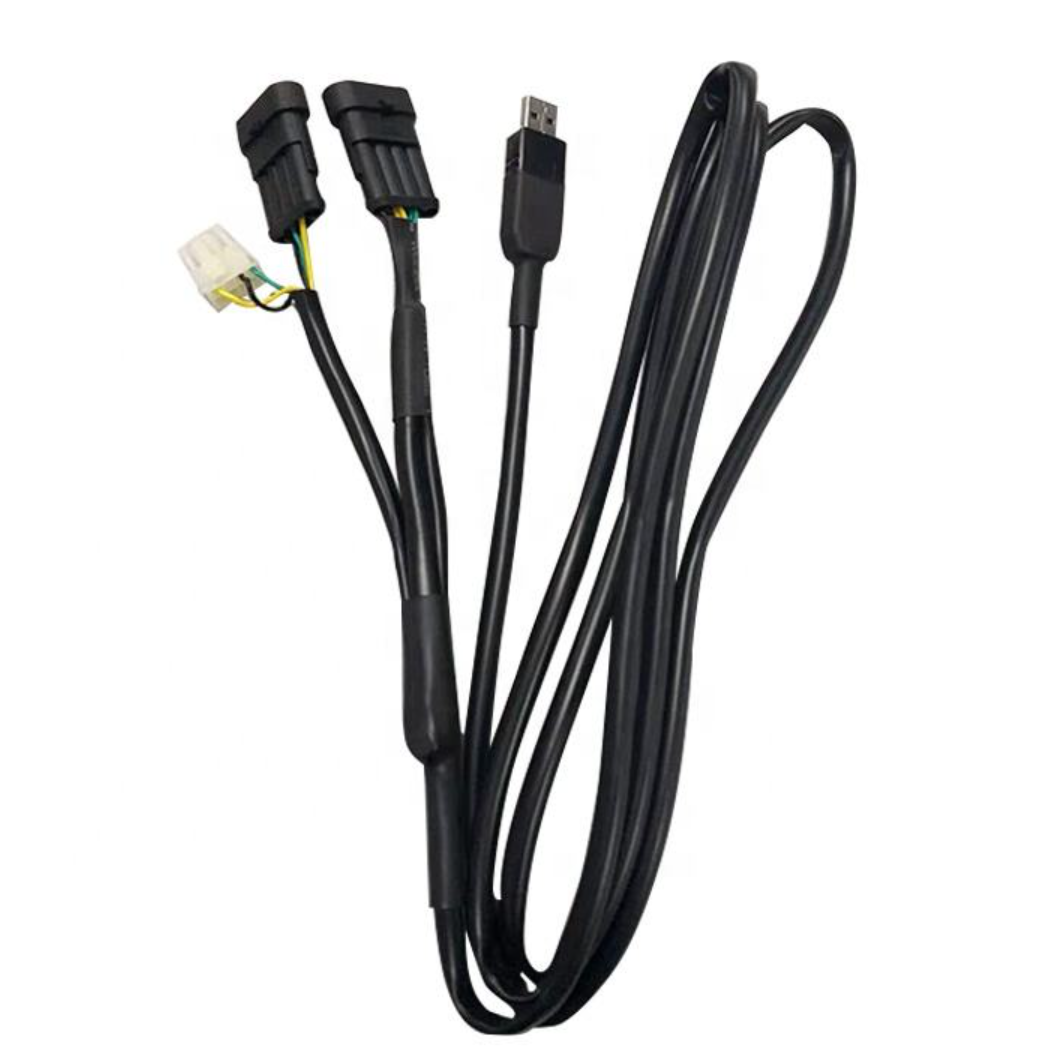
Product Specifications and Compatibility
The exact cable version must match the ECU communication port. Request the following information for the supplied product.
| Product Type | USB communication interface cable for compatible autogas ECUs |
|---|---|
| Supported ECU | Request the exact controller models and hardware versions |
| ECU Connector | Confirm connector type, pin count and pin assignment |
| Electrical Interface | Confirm communication protocol, signal levels and power requirements |
| Computer Connection | Confirm USB connector type and computer requirements |
| Driver | Confirm required driver, version and supported operating systems |
| Calibration Software | Confirm software version, access conditions and supported ECU functions |
| Cable Length | Request the supplied length and adapter details |
| Package Contents | Confirm cable, adapters, driver access and instructions |
A matching plug does not prove electrical compatibility. Verify pin assignments and signal requirements before connecting the cable.
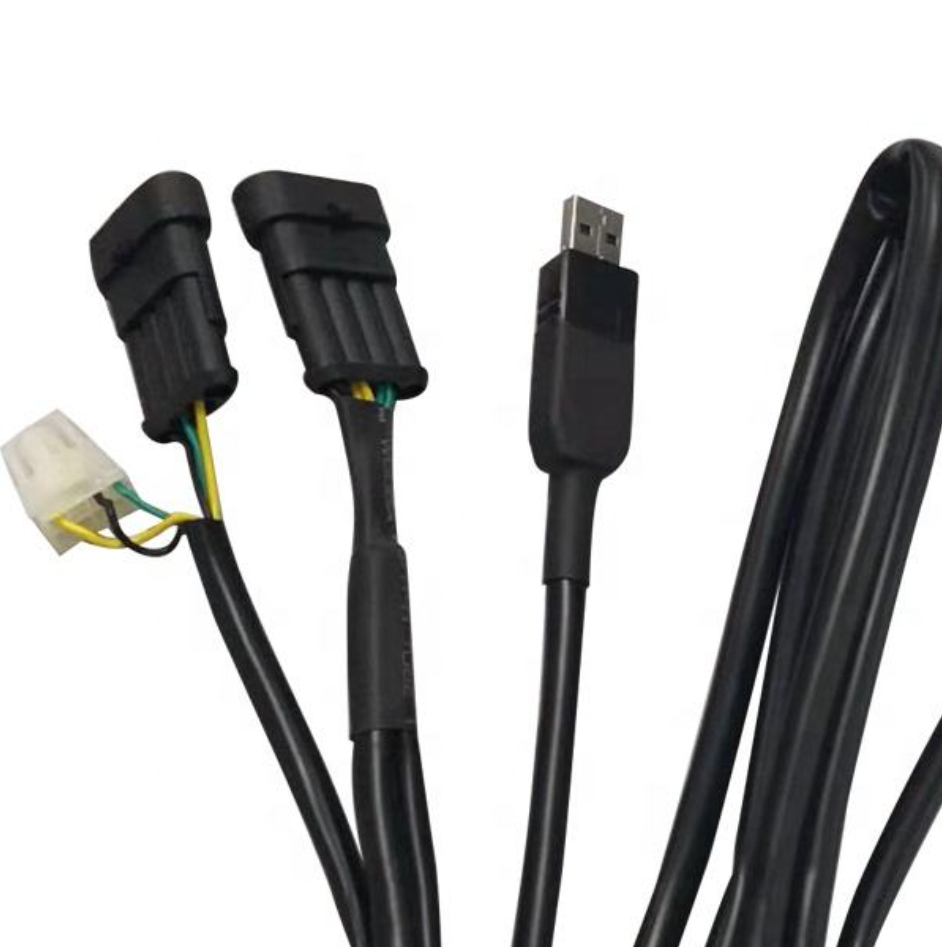
What Can the Cable Be Used For?
The cable carries data; the ECU software determines the available operations. Confirm each required function with the supported software version.
Parameter access: Read or change settings where supported.
Live data: View available sensor and operating information.
Diagnostics: Access gas-system faults supported by the controller.
Calibration: Perform the procedures provided by the ECU manufacturer.
Data files: Save or load supported configuration and log files.
Calibration support does not automatically include firmware programming. Confirm any update or programming function separately. Do not assume the cable is a universal vehicle OBD scanner.
Calibration must follow the controller instructions. Read our ECU and injector calibration guide for background information.
What Is Needed Before First Use?
Successful communication requires compatible hardware, drivers and software. Check the complete setup before diagnosing a cable fault.
Identify the ECU label and communication connector.
Confirm the cable version and connection instructions.
Check the supported computer operating system.
Install the specified driver and calibration software.
Follow the documented ECU power and connection sequence.
Select the required communication settings in the software.
Driver and software access should be confirmed before purchase. Request the approved download source, installation instructions and any license requirements.
Why Might the Software Fail to Connect?
A connection failure can have several causes. Check the setup rather than assuming the cable or ECU is defective.
Unsupported ECU or incorrect cable adapter
Incorrect connector pin assignment
Missing or incompatible driver
Unsupported software or operating system
Incorrect communication-port selection where applicable
ECU power or connection-sequence issues
Provide identification details when requesting support. Send the ECU label, cable photographs, software version, computer system and exact error message.
Which Quality Checks Should Buyers Request?
Routine functional inspection and durability testing are different checks. Ask which tests apply to each cable, a production batch or the product design.
Wiring: Pin assignment, continuity and short-circuit checks.
Communication: Tested ECU, software version and operating conditions.
Connectors: Fitment and applicable retention checks.
Durability: Plug-cycle or flex-test method and results where claimed.
Traceability: Product version, batch and inspection date.
Product documents should identify the supplied interface. Review our certification information and request applicable records where required.
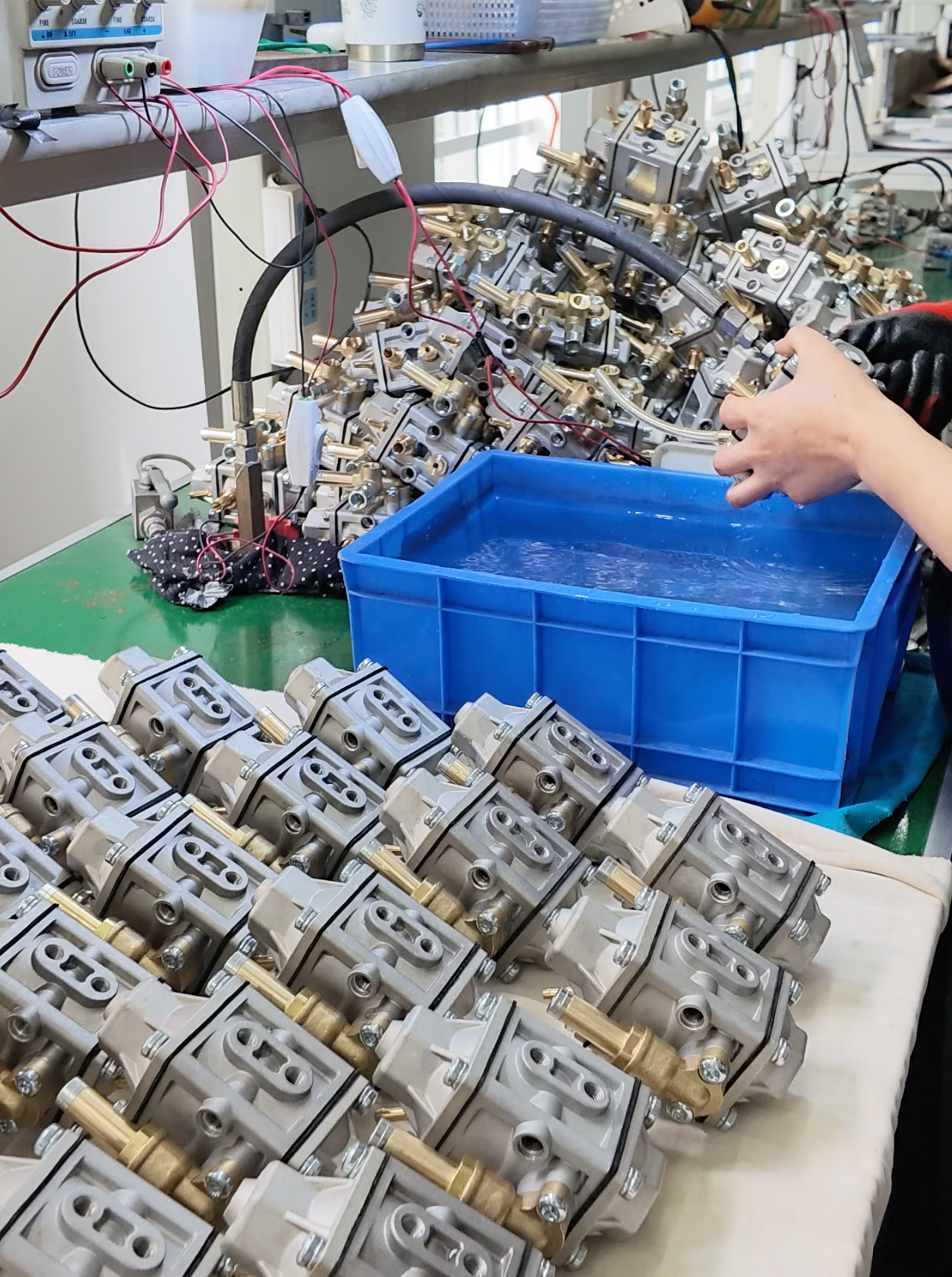
Factory Processing and Inspection
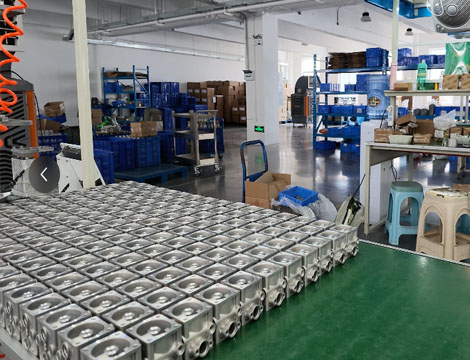
These photographs provide factory and inspection context. Confirm cable compatibility using the technical documentation and communication-test records.
Frequently Asked Questions
Does the cable fit every CNG or LPG ECU?
No universal compatibility is established by this listing. Confirm the exact ECU model, interface, software and driver requirements.
Does cylinder count affect cable selection?
Select the cable by ECU compatibility, not engine size. Four-, six- or eight-cylinder systems may use different controllers and communication interfaces.
Is calibration software included?
Software inclusion must be confirmed in the quotation. Request the supported version, access method, license conditions and installation instructions.
Can it diagnose the entire vehicle?
Diagnostic scope depends on the connected ECU and software. Do not assume access to all vehicle modules or generic OBD functions.
Can it be used for existing installations?
Supported existing systems can be reviewed for compatibility. Provide the controller reference, software information and connector photographs before ordering.
Can I order it with other gas-system parts?
Combined-order requirements can be reviewed with the quotation. Specify controllers, sensors, switches or other accessories and confirm compatibility separately.
Request an ECU USB Cable Quotation
Send your ECU identification and computer requirements. Include controller model, connector photographs, software version, operating system, required quantity and destination country.
Confirm the complete package before payment. Request the cable version, adapters, driver and software access, instructions, price, warranty and delivery lead time.